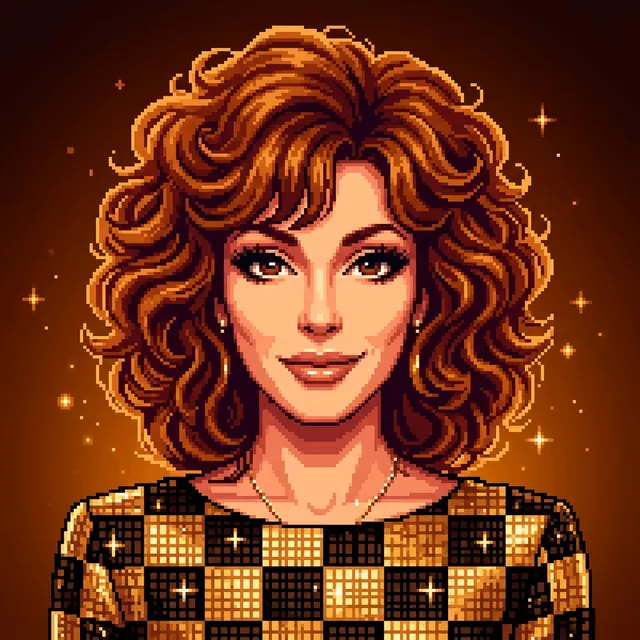
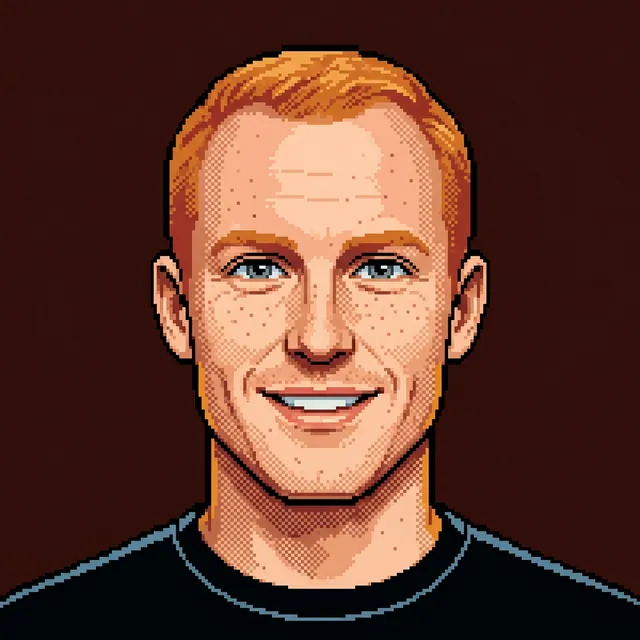
avatar-portrait
This skill should be used when the user asks to "create an avatar from a photo", "generate a portrait avatar", "make a profile image", "convert headshot to styled portrait", "team member avatar", "character-style avatar", or needs likeness-preserving avatars in any style (including pixel art).
Complete plugin installation is recommended so this skill keeps its agents, hooks, commands, and runtime context.
- PUBLISHER
- b-open-io
- RELATIONSHIP
- authored
- VERSION
- 1.0.0
- BENCHMARK
- unknown
Install gemskills
The complete plugin is the supported path. It preserves everything the publisher designed to work alongside this skill.
Codex
VERIFIEDGrok Build
VERIFIED- This is the grok CLI, not Grok Bot.
- grok plugin details gemskills
Grok Bot
VERIFIED- This is not Grok Build. Do not run grok plugin install.
Install only this skill
Use this narrower path only when you intentionally want the portable SKILL.md without the plugin’s surrounding capabilities.
Skills CLI
VERIFIED- Installs only the portable skill; it omits plugin hooks, agents, commands, apps/MCP configuration, and unlisted companion skills.
Trace it to the source.
- DISTRIBUTED SOURCE
- skills/avatar-portrait/SKILL.md ↗
- UPSTREAM SOURCE
- No separate upstream declared
- DISTRIBUTED DIGEST
- sha256:9383d06598f5ca98679debeed3cd3cd80901213a0e2d25ccca3056d301ef8a7f
- LOCK HASH
- Not applicable
Share this skill.
Pass the canonical page to a teammate or keep it close for later.
browsing-styles
This skill should be used when the user asks to "browse art styles", "pick a style", "choose a style", "select a style", "list available styles", "search styles", "show style options", "what styles are available", "explore artistic styles", "open style browser", "style picker", or needs to see available styles for image generation. Launch the visual browser (browse.ts) when the user wants to interactively pick a style.